DEEP DIRECTOR
Multi-camera
Two subjects. One rhythm.
Shot selection, accents and movement built around the track.
Turn your video clips and music into a finished edit.
UniqueFlow selects the moments and assembles your video to the beat — right on your Windows PC.
One payment · License for 1 PC · 1.x updates included

Every example below was assembled by UniqueFlow. Turn the sound on and see how cuts, motion and accents work together.
Shot selection, accents and movement built around the track.
A clean vertical edit without manual cutting.
A finished short-form video without lengthy setup.
Dense pacing, strong movement and accents built around the track.
Expressive framing and one consistent visual atmosphere.
Examples demonstrate editing capabilities. Results vary with source material, music and the selected mode.
Leave repetitive work to the editor — you choose the material and direction.
Use one video or multiple sources with different scenes.
MP4 · MOV · vertical and horizontalUniqueFlow detects rhythm, accents, drops and track dynamics.
Or keep the original audioStandard is fast. Deep Director performs a deeper media analysis.
1080p · Fast 2K · Detail ×2Editing, reframing, enhancement and finished results stay inside one focused interface.
Analyzes music, scenes and motion in the files you add, selects sections and builds an edit plan.
A fast, predictable short-form edit with clean cuts aligned to music.
Keeps the selected area framed during vertical reframing.
Fast 2K for speed and local Detail ×2 for higher detail.
Processes photos locally while preserving a natural appearance and detail.
Creates additional visual versions without repeating a manual edit.
Open finished files and review results directly in the application.
Connect your own bot token and send tasks remotely.
You do not need to master dozens of controls. Choose an engine or leave Auto Director enabled and let the application adapt.
For daily short-form content and fast turnaround.
For complex material, strong music and more expressive direction.
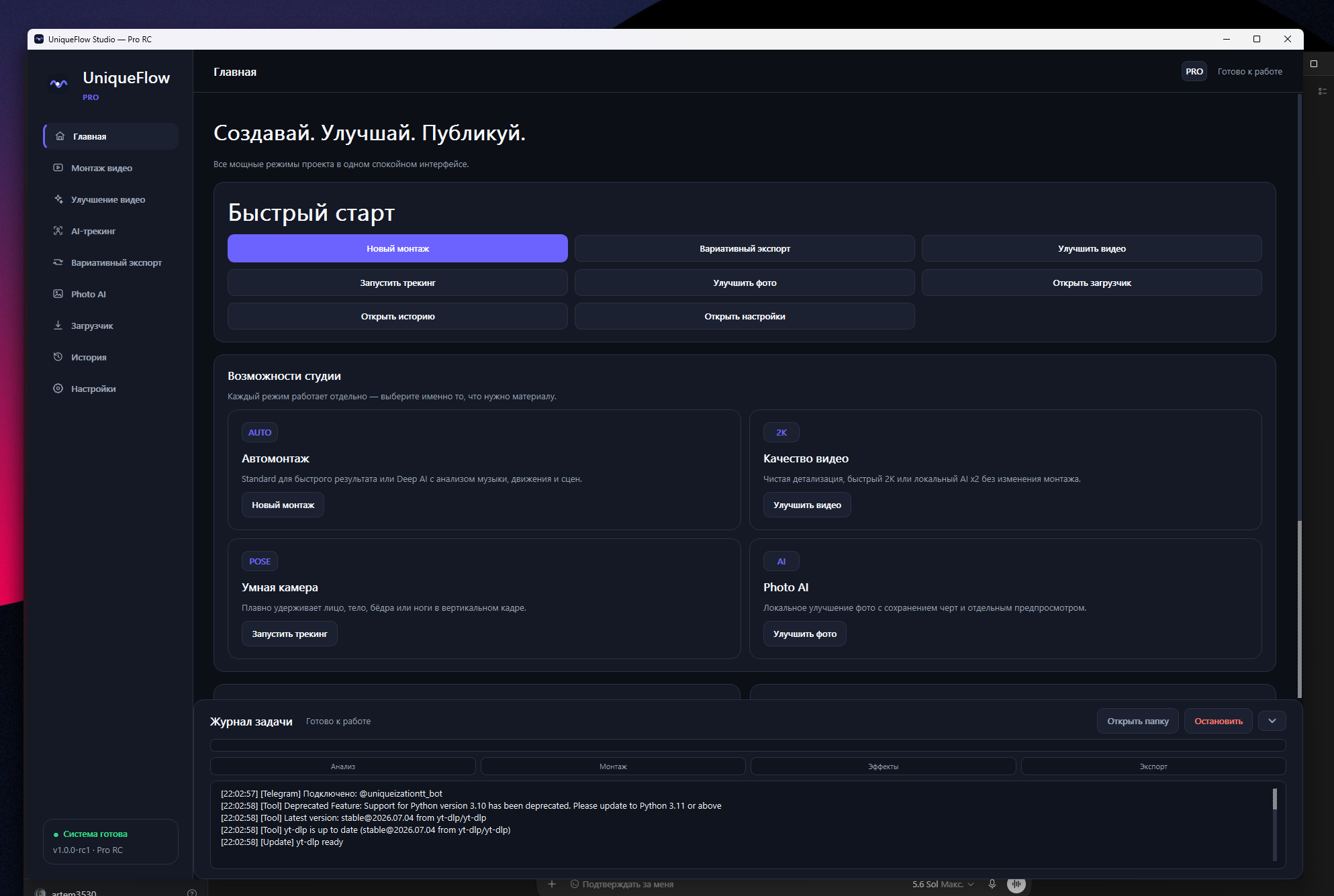
UniqueFlow edits, reframes and enhances the files you add on your PC. There is no text-prompt generation, but some enhancement features use generative restoration to reconstruct details. The optional Telegram workflow transports files through Telegram; processing stays on your PC.
The app tells you when a version is available. You choose when to install it.
For your footage, music and ideas. No monthly charges.
$11.99USD
Perpetual license for one Windows PC.
Current release: Pro Beta 1.0.0-beta2
Buy Pro for $11.99Checkout by itch.io. See your total, including applicable taxes, before paying.
Windows 10/11 x64. Activation and periodic license checks require internet; offline use lasts up to seven days after a successful check.
Current version: 1.0.0-beta2. 16 GB RAM is recommended, plus a discrete GPU for Deep Director and Detail ×2. Speed depends on your PC and source files.
Updates in 1.x are included; move to another PC you own after deactivating the old one. Full refund on request within 14 days through itch.io; mandatory consumer rights remain unaffected.
Your app and personal license key are on your itch.io purchase page.
Once payment is confirmed, itch.io sends you a link to your purchase.
Find your Pro installer and the key-claim button on the same page.
Install Pro, activate with your key and add your first video.
On the purchase page, download the UniqueFlow Studio Pro installer for Windows and select Get download key. Paste the issued UF1 into License key in the app, then select Activate. Activation requires internet.
Your email contains the purchase link, not necessarily the key itself. One UF1 activates one PC. Keep your key and personal link private. Need help? Contact support with your purchase reference.
If your question is not here, contact support and we will help.
Telegram support →A modern Windows PC is enough for Standard and regular 1080p output. Deep Director and Detail ×2 work best with 16 GB RAM and a discrete GPU.
In normal use, source files are processed on your PC, without uploading them to our rendering server. In the optional Telegram workflow, input files and transmitted results pass through Telegram. Licensing and updates also need internet access.
Yes. Add a separate track or keep the original audio from the source video.
There is no text-prompt image, video, voice or music generation. Alongside analytical models, some enhancement features use generative restoration models on your files. Output may contain reconstructed rather than original details, so review the result.
Standard is faster and produces a clean beat-driven edit. Deep Director performs deeper music, motion and scene analysis on your source files for more complex direction.
No. $11.99 buys a perpetual Pro license for one PC, without automatic renewal or recurring charges. Periodic online license checks are still required.
Any Buy Pro button takes you directly to secure checkout on itch.io. Choose card or PayPal and confirm your payment. On your personal purchase page, download the Pro installer and click Get download key to claim your UF1. The itch.io email contains the purchase link, not necessarily the key itself. Step-by-step instructions.
Released updates in the 1.x line are included at no additional charge; a future 2.x may be sold separately. The app notifies you when a version is available. No release schedule or indefinite support is promised. Update history.
One payment · 1 Windows PC · No subscription